Booking Swimming Lessons Shouldn’t Be Complicated
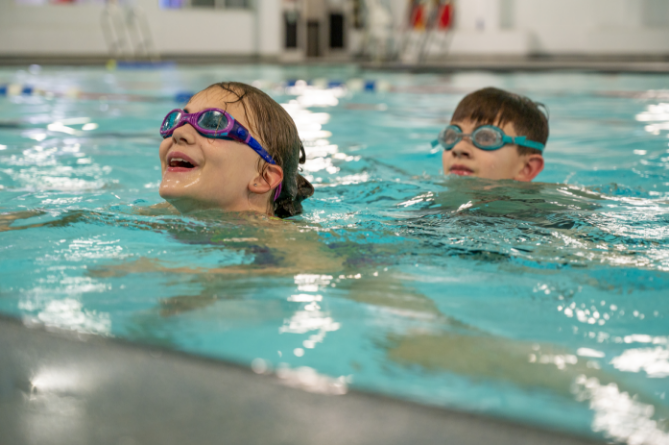
Booking swimming lessons should feel straightforward. But for many people, it’s often the small things that cause confusion. Which level to choose, how the booking works, or what happens once you’ve signed up.
This guide walks you through exactly how to book swimming lessons with Horizon, so you can get started quickly and feel confident you’ve done everything right.
1. Finding the right lesson for you
The first step is choosing a lesson that fits your swimmer’s stage and schedule.
When you visit the booking page, you’ll be able to:
- Select your preferred centre
- Choose swimming lessons
- Filter by day and stage or level
- Add your chosen class to your basket
If you’re unsure on the right stage, it’s always better to take a moment here. Choosing the right level helps your swimmer feel comfortable and progress confidently from the start.
2. Setting up your account
Once you’ve chosen your lesson, you’ll be asked to create or log into your account.
A common mistake here is entering the parent or guardian details instead of the swimmer. Make sure the swimmer’s details are entered correctly, as this is what tracks their progress through the programme.
3. Choosing your membership and payment
Next, you’ll select your swimmer and choose the correct payment option.
Swimming lessons are set up on a monthly Direct Debit, making it simple to manage ongoing lessons without needing to rebook each time.
This also means your place is secured, so your swimmer can continue progressing without interruption.
4. Applying any offers
If you have an offer code, this is where you’ll enter it.
Make sure to:
- Enter the code in the voucher box at checkout
- Click apply before continuing
This ensures your discount is added correctly before you complete your booking.
5 .Completing your booking
To finish, you’ll:
- Set up your Direct Debit details
- Pay the initial pro-rata amount
- Confirm your booking
Once that’s done, your swimmer is ready to start.
If you’re booking for more than one swimmer, each booking needs to be completed individually. You can easily add another swimmer through your account and repeat the process.
What happens next
After booking, everything is managed through your HomePortal account.
From here, you can:
- Track progress
- View lesson details
- Move up stages when eligible
- Manage your bookings
If you need any support, a member of the team may also get in touch to help guide you through the process.
A few helpful tips before you book
To make things even easier:
- Use filters to narrow down days and times that work for you
- Select the correct stage carefully to avoid needing to change later
- Be aware that lesson start dates cannot be delayed
Taking a few extra moments here helps ensure everything runs smoothly from day one.
Ready to get started
Once you’ve booked, that’s it. No complicated steps, no uncertainty. Just a clear starting point for your swimmer to build confidence in the water.
If you’ve been thinking about starting swimming lessons, this is your sign to get booked in and begin.
Back To News